E2Stream v1.8

E2Stream v1.8 is now available
You can download v1.8 here: [download#26#nohits]

Change log:

v1.8 - 26/11/2014
* Honours the ABM Hidden sections
* Many changes to the recordings playback including:
  - Progress Bar on info bar
  - Rewind and Fastforward jump back/forwards 20 seconds
  - 1 and 3 jump back/forwards 30 seconds
  - 4 and 6 jump back/forwards 60 seconds
  - 7 and 9 jump back/forwards 120 seconds
  - Improved list view UI around recordings
  - Improved infobar view around recordings
  - When recording stops return to list
* Added Clock to the infobar showing current time

Please note, the installation and setup requires you to enable a ‘develop’ account on your TV.
You also need Java v7 or v8 to run the installer.
Instructions to setup can be found here

For any bugs, please create a new issue here

If you do use E2Stream, please consider donating to support the continued development and hosting costs of this app! You can donate any amount you feel is applicable here:



E2Stream v1.7

E2Stream v1.7 is now available
You can download v1.7 here: [download#26#nohits]

Change log:


v1.7 - 23/11/2014
* Updated detection of separators and categories/headers in bouquets that has
  been the primary cause of bugs surrounding missing picons
* Add ignore of bouquet when there are no channels present
* Updated the display of channels to correct issues when number of channels
  in a bouquet is less than 5
* Added device id/picon mode to the about screen.

Please note, the installation and setup requires you to enable a ‘develop’ account on your TV.
You also need Java v7 or v8 to run the installer.
Instructions to setup can be found here

For any bugs, please create a new issue here

If you do use E2Stream, please consider donating to support the continued development and hosting costs of this app! You can donate any amount you feel is applicable here:



E2Stream v1.6

E2Stream v1.6 is now available
You can download v1.6 here: [download#26#nohits]

Change log:

* Resolved picon issue with service id based picons

Please note, the installation and setup requires you to enable a ‘develop’ account on your TV.
You also need Java v7 or v8 to run the installer.
Instructions to setup can be found here

For any bugs, please create a new issue here

If you do use E2Stream, please consider donating to support the continued development and hosting costs of this app!

You can donate any amount you feel is applicable here:



E2Stream v1.5

I’m very pleased to announce the release of E2Stream v1.5
You can download v1.5 here: [download#26#nohits]

This release has many changes including:


* Rewrite of the video player class and programme selection screens to resolve the
  full screen 4:3 issue that has plagued previous versions!
* Detect and use Picons either via service ID or service Name
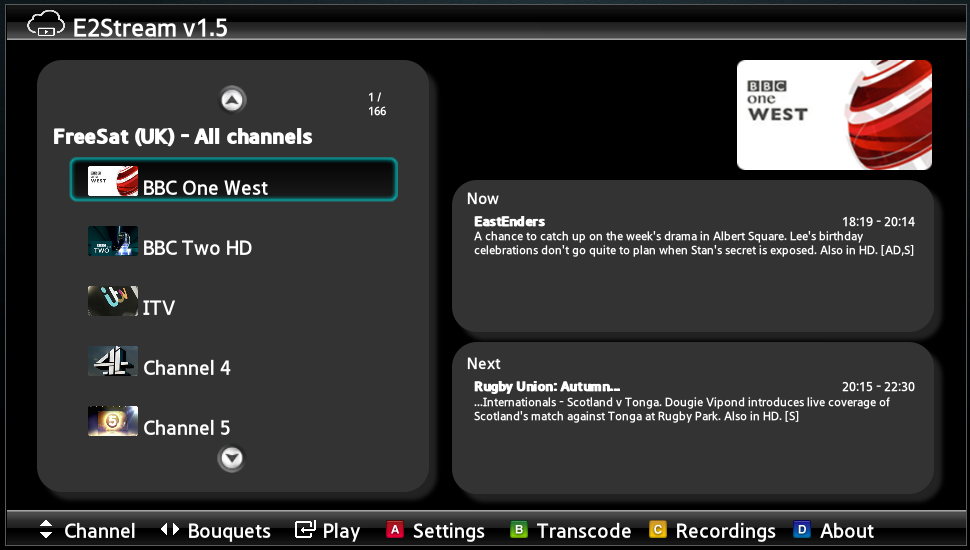
* Expanded space for now/next on programme list screen
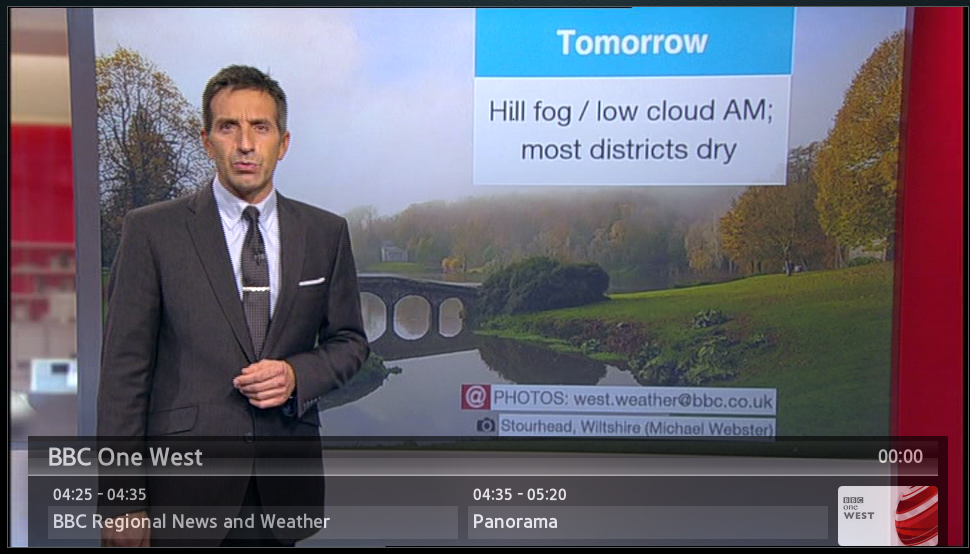
* Full screen mode, which includes an info bar showing now/next
   - Info button shows/hides the info bar
   - Program up/down change channels in full screen mode to the next channel in the bouquet
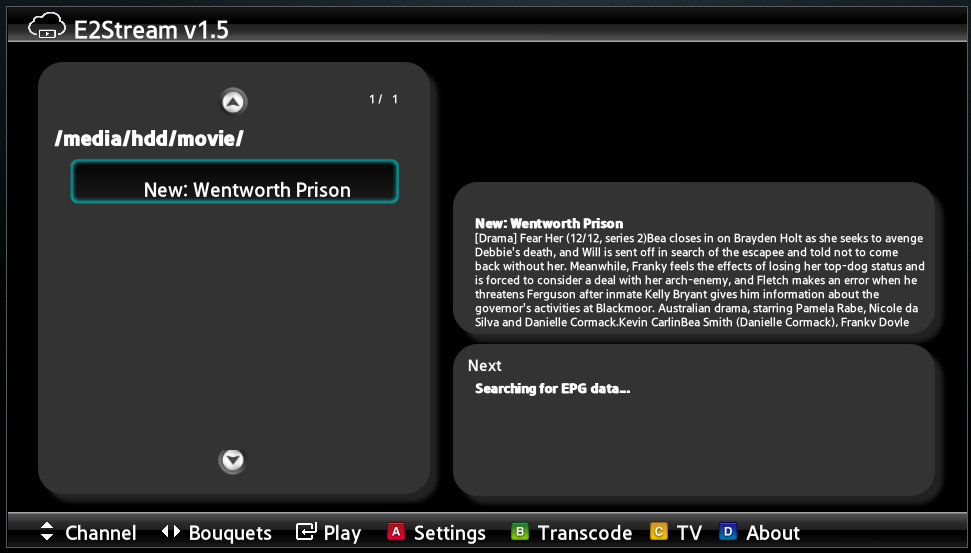
* Beta implementation to list and playback recordings.
   - Press Yellow[c] to change between records and TV mode
   - Use left/right to change recording locations
   - Use up/down to select recording and enter to play
   - Note: Rewind/FFwd functions are still to be implemented.

Please note, the installation and setup requires you to enable a ‘develop’ account on your TV.
You also need Java v7 or v8 to run the installer.
Instructions to setup can be found here

This has had many significant changes implemented with this release.
For any bugs, please create a new issue here

If you do use E2Stream, please consider donating to support the continued development and hosting costs of this app!

You can donate any amount you feel is applicable here:



e2_1
e2_2
e2_3

E2Stream Update

I’m still working on the next release of E2Stream – likely to be v1.5
This has had a few massive changes in to:

  1. Finally fix the 4:3 issue that’s plagued the SD channels
  2. Work with picons using service name (new functionality in e2) or service id
  3. Introduce a new full screen mode to change channels/etc
  4. Allow playback of recordings

One offshoot of this – the changing between a windowed player and a full screen player really causes problems on certain TVs that I can’t recreate on the emulator or other TVs, therefore I’m almost certainly likely to abandon the ‘window’ player as it doesn’t add too much and gives more real estate on the screen.

The full screen mode allows you to use channel up/down to change the channels, but you can always revert back to the bouquet list to select still.

Due to the volume of changes theres still quite a lot of testing to do and some small bugs to iron out so the release of this will be a few days off yet.

The following screenshot shows the full screen mode (that is really full screen on SD channels!)

fullscreen